There’s a version of this every project manager knows: it’s 6 PM, the owner wants a progress update, and someone is still chasing field logs from three different supers over text messages. Manual construction reporting isn’t just slow, it’s a liability.
Inconsistent formats, missing photos, and incomplete daily logs mean that by the time the information reaches decision-makers, it’s already outdated or unreliable. On multi-site operations, this problem only compounds faster. This is exactly why Automated Bid Solicitation Systems and streamlined reporting workflows are becoming essential for keeping data accurate, timely, and actionable.
The good news: automating construction reporting is no longer a complex IT initiative. The right platform turns daily field inputs into structured, shareable reports in minutes not hours. This guide walks through how to do it, what tools are worth evaluating, and the features that actually matter at decision time.
Why Manual Reporting Breaks Down on Construction Projects
The failure isn’t always obvious at the start. Small projects can run on WhatsApp photos and Excel sheets for a while. But as team size grows and project count increases, the cracks show up in predictable places.
Consistency doesn’t come with manual reporting. Each site has its own flow and its own format. Updates are exchanged in texts or emails and photos are stored without any context. By the time managers review information, it is often incomplete or outdated. The result: delays, unclear progress status, and disputes that could have been avoided with a clear paper trail.
The administrative overhead is significant too. Manual systems add reporting burden without adding clarity multiple report versions circulate, weekly summaries take hours to produce and still miss key details, and teams managing more than one site struggle to compare progress or spot performance gaps.
When reporting becomes an afterthought, it stops functioning as a management tool altogether.
What Construction Reporting Automation Actually Looks Like
Automating construction reporting doesn’t mean replacing your site team with software. It means capturing what’s already happening in the field tasks completed, materials consumed, labor hours, subcontractor progress and turning that data into structured reports automatically.
A disciplined reporting flow begins on site. Engineers and supervisors track daily tasks, materials, and observations using clear, set forms. Photos and comments get posted while the work is in progress, not later from recollection. These updates reach project managers and office staff immediately, with progress tracked alongside quality and safety checks so nothing ends up in a separate record.
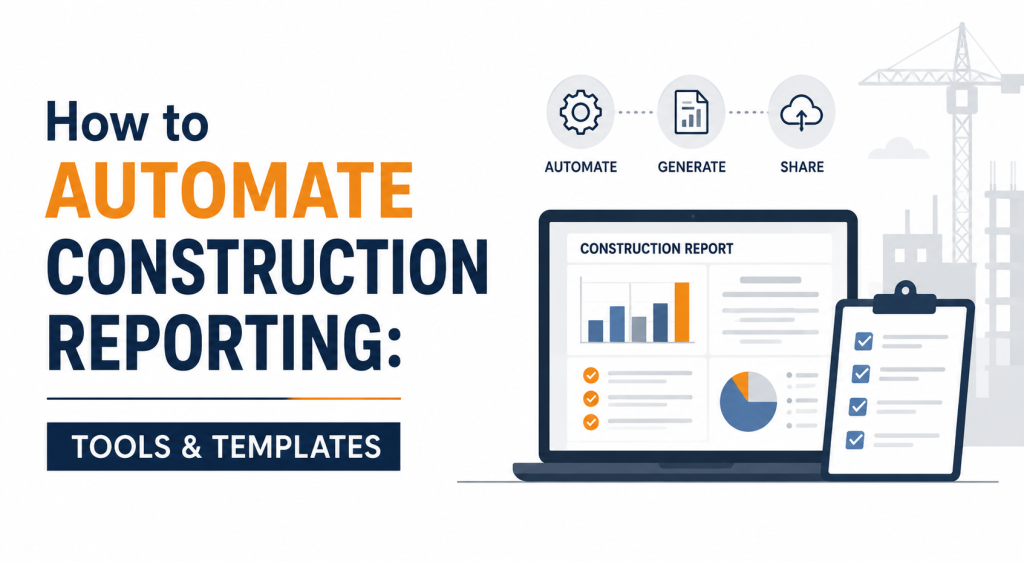
With the right construction reporting software, a site daily report gets created automatically based on field updates and trackable events and can be generated and shared to stakeholders within 30 seconds. That’s the practical shift: reporting becomes a byproduct of doing the work, not an extra task at the end of the day.
Key Features to Evaluate in Construction Reporting Software
Not all platforms are built for the field. When you’re evaluating tools, these are the capabilities that separate functional systems from expensive shelf-ware.
Real-time field capture
Any tool worth buying should let supervisors log updates from a mobile device while they’re on site not back at the trailer at the end of the shift. Look for photo attachment directly tied to specific tasks or issues, not a separate folder structure.
Automated report generation
The whole point is eliminating the manual assembly step. Good construction reporting software avoids all the manual work that takes hours automatically producing reports so your team isn’t spending time calculating, correcting errors, and formatting documents.
Stakeholder-ready output
Reports need to serve different audiences: owners want progress summaries, superintendents want daily logs, and finance teams want billing-tied documentation. Platforms that generate reports with a single click and let you share them directly to stakeholders help provide clarity and transparency while reducing disputes.
Dashboard visibility
Beyond individual reports, project-level dashboards give PMs a single view of what’s moving and what’s stalled. Construction project management platforms like SafetyCulture provide real-time updates on project progress, task allocation, and overall performance metrics from a centralized dashboard including the ability to identify project milestones, spot lags in delivery, and forecast timelines.
Template standardization
Pre-made report templates from a library or AI-powered prompts allow teams to document site inspection, pre- and post-construction activities, and every step in between without building forms from scratch. Standardized templates also mean audit-ready documentation if disputes arise.
Integration with existing workflows
Reporting data is most valuable when it feeds into scheduling, billing, and compliance not when it lives in a silo. Platforms that integrate with existing project management tools create workflows that automate and streamline processes on a unified platform.
Manual vs. Automated Reporting: The Operational Difference
The gap between manual and digital reporting shows up most clearly in how information moves through a project.
| Area | Manual Methods | Automated Reporting |
|---|---|---|
| Report availability | Delayed — often hours or days | Immediate, from field to stakeholder |
| Photo documentation | Stored separately, no context | Linked directly to tasks and reports |
| Format consistency | Varies by site and supervisor | Standardized across all projects |
| Search and traceability | Limited, often impossible | Strong — searchable by date, task, team |
| Audit and dispute support | Weak | Reliable, with timestamped records |
The audit trail piece deserves special attention. On any project with retainage, change orders, or owner-caused delay claims, your daily logs are legal documentation. Automated systems with timestamped entries and photo attachments are significantly stronger than handwritten logs or reconstructed spreadsheets.
Applying Automation Logic to Construction: Lessons from Broader Reporting Platforms
The construction industry is catching up to where other sectors have been for years. General-purpose automated reporting platforms have long demonstrated what’s possible and the underlying logic applies directly to construction workflows.
Automated reporting tools collect, organize, and visualize data without manual intervention. They streamline repetitive, time-consuming reporting tasks by creating scheduled, customized reports based on key metrics moving teams from reactive to proactive decision-making by getting insights before problems escalate rather than after.
The core elements of any effective automated reporting system include a centralized data hub that serves as a single source of truth, real-time insights that update without manual intervention, automated scheduling for recurring reports delivered to stakeholders, and data integration with the systems teams already use.
For construction specifically, that means your reporting platform needs to connect to wherever your field data lives whether that’s a mobile daily log app, a labor tracking system, or a procurement module and pull it into a single reporting layer.
What to Look for When Buying Construction Reporting Software
If you’re close to a purchasing decision, here’s a practical evaluation lens:
Mobile-first field capture. If your supers can’t log from a phone, adoption will stall. Test the mobile interface before you buy.
Report generation speed. How many clicks does it take to produce a stakeholder-ready daily report? If the answer is more than a few, the system isn’t saving much time.
Template flexibility. You need templates for daily reports, safety observations, quality inspections, and progress summaries. Ask whether they’re customizable or locked.
Multi-site visibility. Single-project tools won’t scale. Look for dashboards that give a portfolio view across active projects.
Integration with billing and scheduling. Reporting data that flows into your draw schedule or CPM schedule creates downstream efficiency. Siloed reporting tools don’t.
Support and implementation. Responsive and knowledgeable customer support can transform your experience with a reporting platform, saving countless hours. Look for platforms that offer comprehensive documentation, training resources, and multiple support channels.
Read More : Construction Workflow Automation: A Beginner’s Guide for 2026
Ready to Stop Managing Reporting Manually?
If your team is still assembling daily reports from scattered texts, emails, and spreadsheets, you’re spending time that should be going toward the job itself. Modern preconstruction and construction management platforms can change that not in months, but in weeks.
Palcode.ai helps construction teams automate their coordination workflows, from subcontractor communication to reporting and beyond. If you’re evaluating what a more connected workflow could look like for your operation, book a demo and see it in your context, not a scripted one.
Frequently Asked Question
What reports should I automate first in construction?
Start with daily progress reports and site logs they’re the highest-frequency documents and the most time-consuming to produce manually. Once those are flowing automatically, layer in safety observation reports and material delivery logs.
Can automated reporting replace paper daily logs legally?
In most jurisdictions, yes provided the platform creates timestamped records with identifiable users. Digital logs with photo attachments are often stronger evidence than handwritten notes in dispute or claim scenarios. Verify with your legal counsel for your specific contract type and jurisdiction.
How long does it take to implement a construction reporting system?
Most teams complete initial setup in two to four weeks, including connecting data sources, building initial dashboards, and configuring scheduled delivery. Starting with a single high-value report like the daily site log accelerates time to value.
Do I need a separate tool for reporting, or should it be part of my project management platform?
Integrated is almost always better. A standalone reporting tool that doesn’t connect to your scheduling, procurement, or labor data produces reports that are informative but not actionable. Look for platforms where reporting is built into the workflow, not bolted on afterward.
What’s the difference between a daily log app and full construction reporting software?
A daily log app captures field activity tasks, photos, crew headcount. Full construction reporting software takes that input and turns it into structured reports, stakeholder-ready summaries, and analytics dashboards. If you’re running more than two or three active projects, you need the latter.
About the Author
Mohit Mohan is the founder of Palcode.ai and a builder of AI-first systems for commercial construction workflows. He works closely with preconstruction leaders to translate real field constraints coverage gaps, bid volatility, scope ambiguity, compliance friction, and estimator capacity limits into repeatable, governed operating workflows that scale across projects and teams.